
Trail cameras for wildlife researchers: complete 2026 guide
Wildlife researchers’ camera trapping is unattended photography with the aim of recording animal presence, behaviour and activity without a person watching each site. This 2026 guide explains how to choose trail cameras for wildlife research in Ireland, build a repeatable survey and keep equipment failures separate from genuine non-detections.
- We recommend SD-card trail cameras for wildlife research at accessible Irish sites; test cellular coverage before choosing remote monitoring.
- Spypoint FORCE-24 supports SD-card review; researchers must retrieve recordings in person.
- Spypoint FORCE-PRO-S 2.0 adds integrated solar charging; assess sunlight at the actual deployment position.
- Hikmicro M15 offers 4G connectivity; transmission does not replace a complete research archive.
- Standardise camera placement, settings and active survey time before comparing wildlife detections.
From our shop: We supply outdoor equipment for fieldwork in Ireland. Equipment selection starts with your survey question, not the longest specification list.
Why trail cameras matter for wildlife researchers
A wildlife photograph answers a narrow question: an animal entered the camera’s view while the equipment was operating. It does not automatically tell you how many animals occupy the area, whether a species is absent or how often animals use nearby habitat.
Research needs more than interesting pictures. You need identifiable subjects, reliable timestamps, known operating periods and a placement method that another fieldworker can repeat. Those details make records usable across sites and survey rounds.
Irish fieldwork also means planning around exposed locations, wet access routes and changing daylight. A camera that performs well beside a building still needs testing at a shaded woodland station. Cellular reception needs the same site-level check.
For your 2026 survey, prioritise consistent detection and traceable records over headline image resolution. Better-looking photographs cannot repair a biased sampling plan or an undocumented camera outage.
How to build a wildlife camera survey
Define the research question before choosing equipment
Start with a written question and a simple recording sheet. Decide whether you need evidence of presence, activity timing, behaviour or individually recognisable animals. These objectives call for different placement and recording choices.
A species inventory needs images clear enough for identification. Behavioural observations need enough context to interpret an action. Individual identification requires visible distinguishing features; do not assume every animal can be recognised from a single side-on frame.
Set your analysis rules before deployment. If your question concerns habitat use, avoid selecting every station simply because you already know animals pass there. Targeted trail placement is useful for finding animals, but it answers a different question from representative habitat sampling.
For a 2026 project, put the protocol version on your field sheet. Record amendments rather than silently changing the method halfway through.
- Write the target species or species group.
- Define the observation you need from each recording.
- State whether placement is targeted or representative.
- Decide how you will group repeated recordings into events.
- Record the permissions needed before installing equipment.
Map stations and agree access before deployment
Use a paper map or an existing mapping tool first. Mark proposed stations, access routes and areas you must avoid. Give each station a permanent identifier that remains unchanged when a camera is replaced.
Separate station identity from camera identity. The station describes the sampling location; the camera identifier describes the equipment operating there. Combining them makes replacements and failures harder to track.
Get landowner permission and agree servicing arrangements. Check project-specific requirements with your institution and the relevant Irish authorities before working around protected species or sensitive sites. Permission to enter land does not settle every ecological or privacy concern.
Avoid pointing cameras towards paths, homes or places where people expect privacy. Where incidental human images are possible, establish a handling process before deployment. Keep access to sensitive wildlife locations restricted too.
- Assign separate station and camera identifiers.
- Record coordinates in a consistent format.
- Photograph the proposed view for your station record.
- Agree access and retrieval arrangements with the landowner.
- Document privacy and sensitive-species precautions.
Match the camera type to the station
Check equipment you already have before replacing it. Review sample files, available settings, power requirements and the process for retrieving original recordings. A borrowed camera that meets the protocol is more useful than a new model selected without a field test.
SD-card cameras suit accessible stations where planned visits are practical. Cellular cameras suit remote checks only after reception and file handling have been verified. Solar charging is a power feature, not proof that a camera can run unattended throughout the survey.
The Spypoint FORCE-24 records stills, video or time-lapse for review from an SD card. The Spypoint FORCE-PRO-S 2.0 is non-cellular and adds an integrated solar panel and internal battery supply. Both require a clear plan for retrieving research files.
The Hikmicro M15 is a 4G camera with a listed 0.5-second trigger and an approximately 25-metre PIR detection range. Those specifications do not guarantee identifiable images at that distance. Test the camera with the subject size and movement your study needs.
From our shop: Compare the options below to narrow your equipment search. The final choice still needs your own station test; a retail specification is not a research validation.
- Check whether originals stay on the camera’s storage.
- Verify card and battery requirements in the model instructions.
- Test cellular reception at the intended mounting position.
- Check the view and detection area together.
- Confirm that every selected model supports your recording protocol.
Test image quality and trigger behaviour in the field
Run a manual walk test before leaving a camera in place. Move through the intended detection area from different directions, then inspect the recorded files. Check whether the camera captures the subject entering the frame or only after it has passed.
Repeat your checks after dark. Daytime identification does not establish night-time identification, and infrared illumination does not guarantee a sharp moving subject. Look for clipped bodies, blur, overexposed foreground vegetation and empty triggers.
The Spypoint FORCE-PRO-S 2.0 lists a 0.2-second trigger speed and a 110-foot detection range. Treat these as manufacturer-listed selection details. Your practical acceptance test is whether the camera produces usable recordings at your station.
Use the same test procedure for each candidate. Record failures as well as successes, and distinguish the camera’s nominal detection reach from the area in which you can actually identify wildlife.
- Inspect original files rather than notification previews alone.
- Test movement across and towards the camera.
- Check daytime and night-time identification separately.
- Review empty triggers for moving vegetation or poor positioning.
- Save test files with the camera and station identifiers.
Standardise placement, settings and servicing
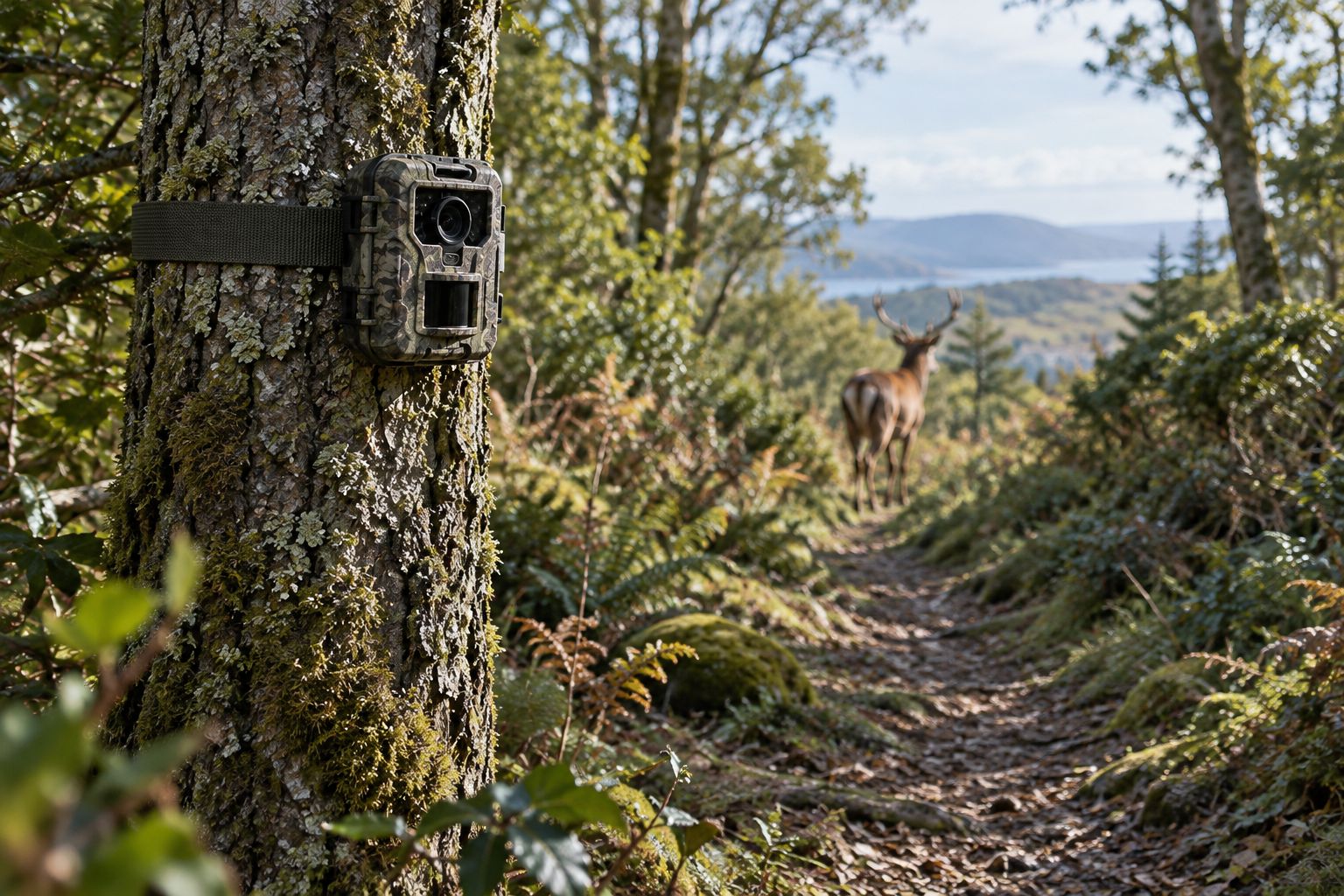
Write a deployment checklist before the first installation. Use it for every station, even when the field team knows the equipment well. A checklist reduces undocumented differences between cameras and visits.
Set placement according to your target animal and survey design. There is no universal mounting height for all wildlife research. Record height, direction and the visible area so you can identify changes after a tree strap slips or vegetation grows.
Choose recording settings deliberately. Stills support image-based identification; video adds behavioural context but creates more material to store and review. Keep trigger delay, burst settings and recording mode consistent wherever the research design requires comparable sampling.
For repeat visits during 2026, check the clock against the same reference and record any offset. Document the time convention, including how you handle seasonal clock changes. Never silently adjust timestamps in the archive.
- Record mounting height, direction and camera settings.
- Check the clock and document any correction.
- Inspect the case closure and seals before leaving.
- Log battery changes, card swaps and service visits.
- Record every outage with the best-supported start and end times.
Archive files and separate detections from effort
Start with clearly named folders and a spreadsheet. Preserve original files before renaming, sorting or making identification copies. Keep a separate working dataset that links each observation back to its source file.
Record operating effort alongside wildlife detections. A station without photographs is not necessarily a station without animals. Check whether the camera was working, whether the view was obstructed and whether the target could have passed outside the sampled area.
Use a consistent rule for repeated images. Consecutive photographs can show the same animal, and separate visits can involve the same individual. An event count is not automatically an animal count.
Before comparing sites in your 2026 results, review differences in active time, camera settings and deployment position. Specialist analysis cannot restore effort records that were never collected.
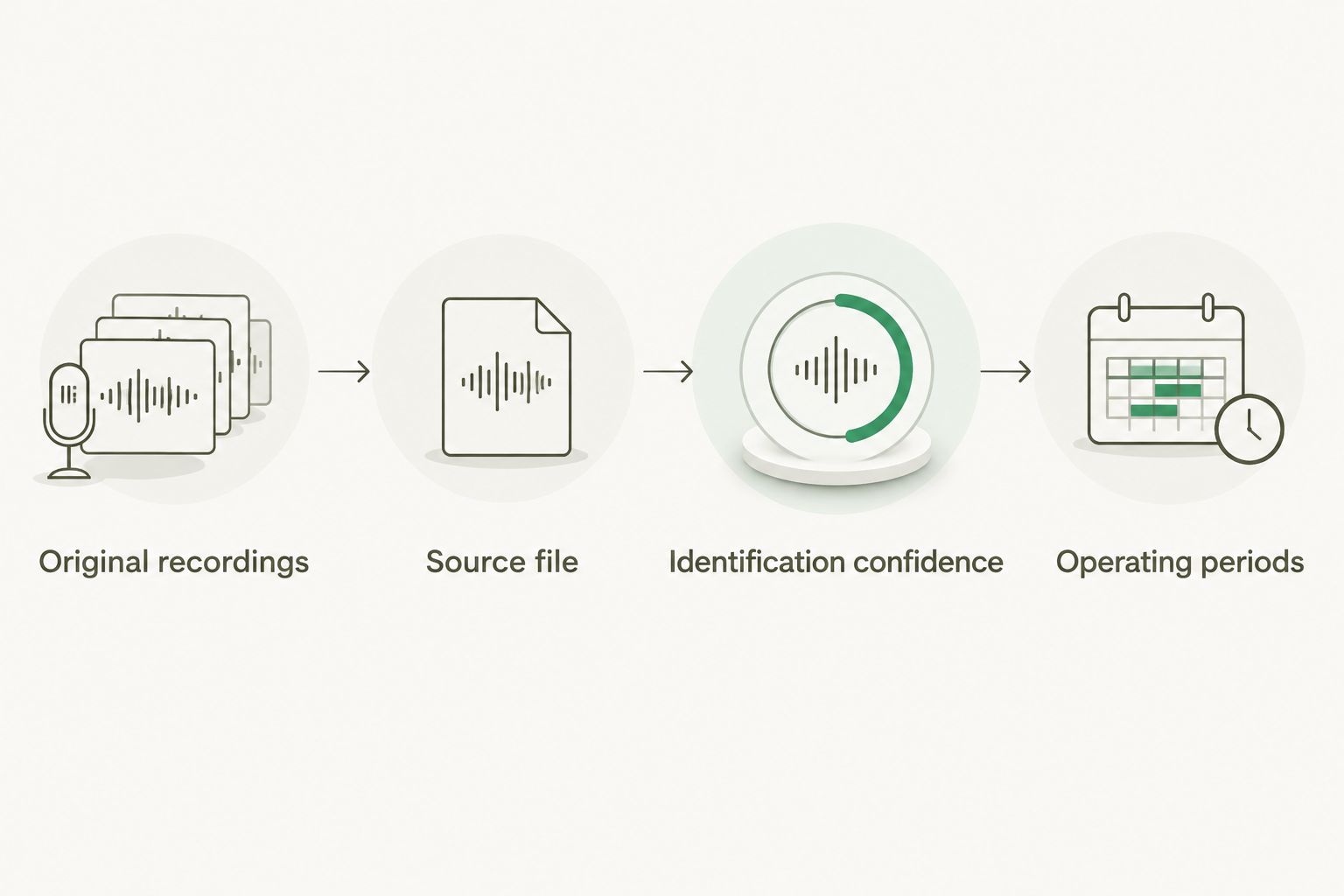
- Preserve an unchanged copy of the original recordings.
- Link observations to station, camera and source file.
- Record identification confidence and uncertain species.
- Track confirmed operating periods and known failures.
- Apply the same event definition across the dataset.
Compare trail camera options for wildlife research
Use this comparison to choose a camera type, then test the exact model. None of these options removes the need for permissions, a sampling plan or a complete archive.
| Option | Best for | Useful feature | Key limitation |
|---|---|---|---|
| Spypoint FORCE-24 | Accessible stations with scheduled collection | Stills, video and time-lapse reviewed from an SD card | Recordings require physical retrieval |
| Spypoint FORCE-PRO-S 2.0 Solar Trail Camera | Non-cellular stations with suitable solar exposure | Integrated solar panel and internal battery supply | Charging depends on exposure; files still need collection |
| Hikmicro M15 4G Trail Camera | Stations where remote checks are useful and 4G works | Connected monitoring with stills and video with audio | Reception and the research-file workflow need field verification |
| Spypoint Flex-Dark Cellular Trail Camera | Projects comparing adjustable night illumination | Adjustable low-glow/no-glow LEDs | Illumination choices need consistent testing across stations |
Best for accessible stations: Spypoint FORCE-24. Its SD-card workflow keeps collection straightforward, but you must budget field time for retrieval. Do not select it when your project depends on receiving remote notifications.
Best for solar-assisted, non-cellular deployment: Spypoint FORCE-PRO-S 2.0. Check light at the camera position rather than assuming an open field nearby provides adequate exposure. The panel does not replace servicing records.
Best for verified 4G stations: Hikmicro M15. Remote connectivity supports checking a station without immediately visiting it. It does not prove that every research file has been transmitted or archived.
Best for testing adjustable illumination: Spypoint Flex-Dark. Its selectable illumination is relevant when night recording is part of the protocol. Keep the selected mode documented, and test identification quality before committing the wider survey.
The following equipment cards let you inspect those options. Confirm current specifications and the complete contents of each package before deciding.


Common mistakes wildlife researchers make
Treating repeated photographs as separate animals
An image count measures recordings, not population size. Define events consistently and only identify individuals when the visible evidence supports it. Keep uncertain identifications out of confirmed individual totals.
Moving quiet stations without recording the change
Moving a camera because it records little wildlife changes the sampled location. Keep the original deployment record and treat the new position explicitly in your dataset. Otherwise, your results hide a sampling decision.
Mixing settings without tracking them
Different delays, recording modes and illumination settings change how cameras collect observations. Record each configuration and each amendment. Standardise settings where comparisons require it, rather than fixing inconsistencies after collection.
Using transmitted previews as the entire archive
A remote preview helps you check activity, but verify what it represents. Retrieve and preserve the original recordings your analysis requires. Document gaps instead of assuming an app view contains the complete survey.
Adding attractants to improve a quiet survey
Bait, scent or calls change the conditions under which you observe wildlife. Use them only when the study design and permissions support that method. Record their use so the results are not presented as unaltered habitat activity.
FAQ
What are the best trail cameras for wildlife research in Ireland?
The best trail cameras for wildlife research are those that produce identifiable recordings under your survey conditions. Spypoint FORCE-24 suits planned SD-card collection, while Hikmicro M15 offers 4G connectivity that needs testing at the station.
Is a cellular trail camera better than an SD-card camera for research?
A cellular trail camera is better for remote checks when reception works, but it is not automatically better for research. An SD-card camera suits accessible stations; either approach needs original-file preservation and operating records.
Can trail cameras tell me how many animals live in an area?
Trail camera image counts alone do not establish how many animals live in an area. Population estimates require an appropriate survey design and analysis, with individual identification where the selected method requires it.
What height should I mount a wildlife research camera?
Mounting height should follow the target animal and sampling protocol, not a universal rule. Record the height and test whether the camera captures identifiable subjects in the intended detection area.
Do solar trail cameras work in shaded Irish woodland?
Solar charging depends on the light reaching the panel at the actual station. Test exposure and power performance before relying on a solar-assisted camera, and keep a servicing plan.
Should wildlife researchers use photographs or video?
Use photographs for image-based identification and video when the research question needs behavioural context. Video creates more material to store and review, so choose the mode before deployment and document it consistently.
Do I need permission to install trail cameras in Ireland?
Get landowner permission before installing a trail camera on someone else’s land. Check additional project requirements for protected species, sensitive sites and incidental recordings of people with your institution and the relevant authorities.
How should I record a camera that stopped working during a survey?
Record a camera failure as an interruption to sampling effort, not as evidence that wildlife was absent. Preserve the last confirmed working record, the discovery time and any evidence that narrows the outage period.
One last thing
A blank recording period is only useful when you know the camera was working. Before your 2026 deployment, add a camera-status field beside your species records. That small change keeps equipment silence separate from wildlife non-detection.